HTML or a webpage
Convert a public webpage or HTML prepared in your scenario. Map fields from earlier modules into your HTML layout for reports, proposals or other documents.
Turn HTML and app data into PDFs in your Make scenarios.
Create a PDF from content prepared in your Make scenario, then use a later module to email the file or save it to cloud storage.
PDFCrowd handles the conversion, so you don’t need to run your own PDF-generation server.
Convert a public webpage or HTML prepared in your scenario. Map fields from earlier modules into your HTML layout for reports, proposals or other documents.
Create PDFs from supported Shopify order or Stripe billing data, using built-in layouts and your business details.
Keep a readable PDF record of an incoming request or submission for archiving or troubleshooting. Use HTML for a report with your own design.
Group related records in Make and build the complete HTML before conversion. Use this for activity reports, proposals with itemized pricing, or documents with optional sections and photos.
See the Make setup examples.
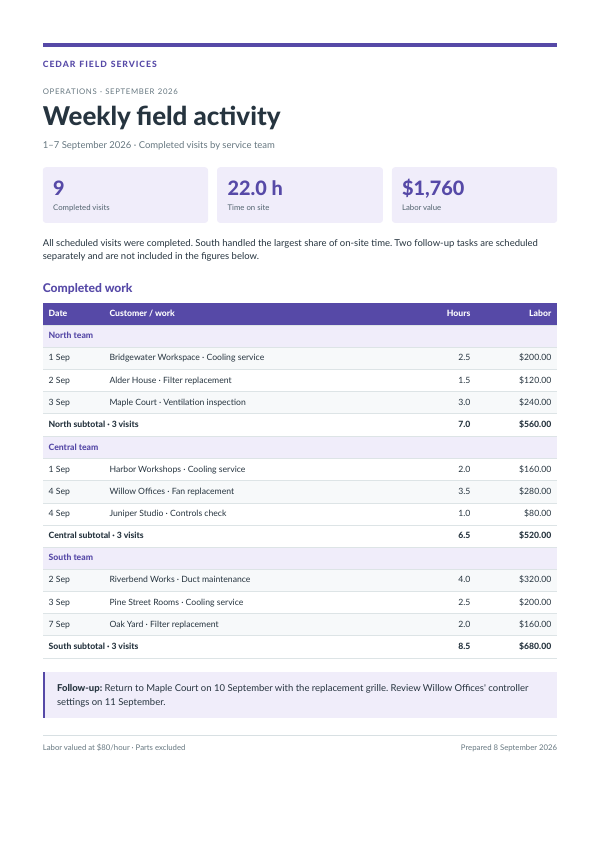 View example PDF
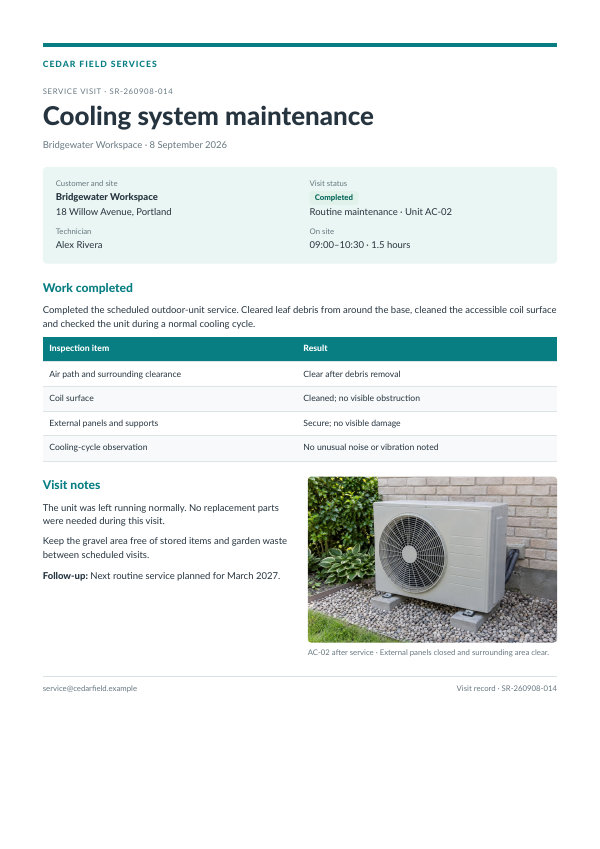 View example PDF
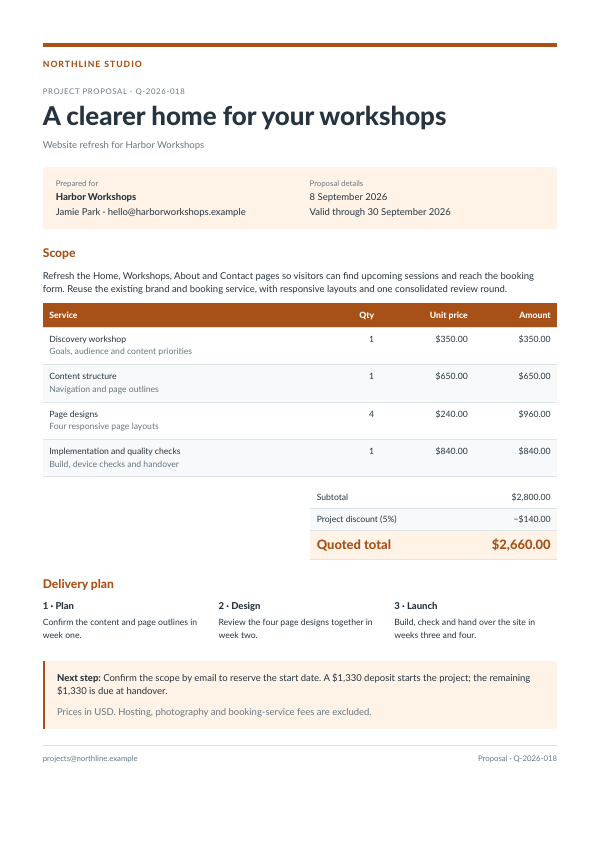 View example PDF
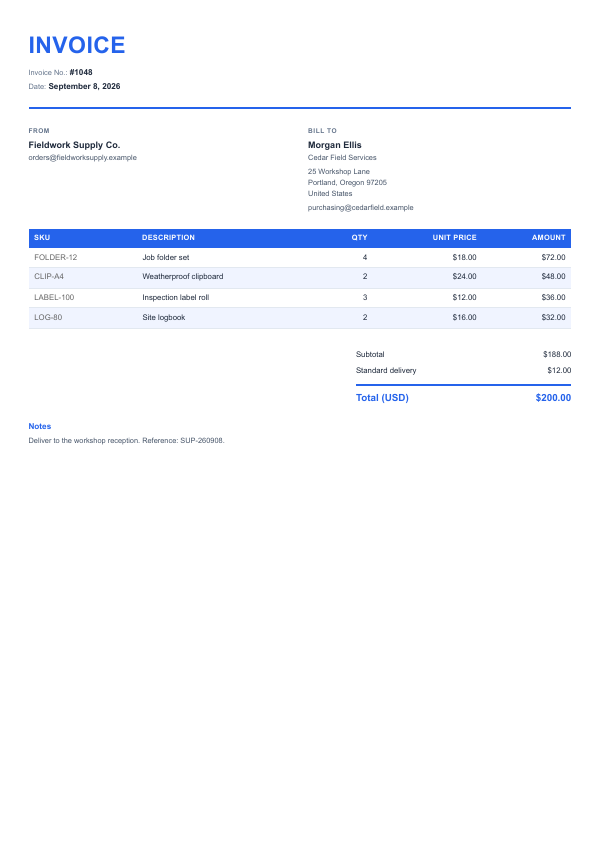 View example PDF
These controls apply to the HTML conversion module. Shopify, Stripe and raw-data modules have their own settings.
Choose page size, orientation and margins to suit the document.
Add a document title, company name or page numbers.
Choose a filename that identifies the report or customer in the next step.
Explore the Make HTML-to-PDF options.
Generate PDFs as part of a Zap.
Generate PDFs directly from your application.
Open PDF Export in Make or use the documentation to connect your PDFCrowd account and generate a first PDF.
Check PDFCrowd pricing and plan limits alongside your Make plan. Content sent for conversion is processed by PDFCrowd; review data security and privacy.