Pages
Render selected pages or ranges from the document.
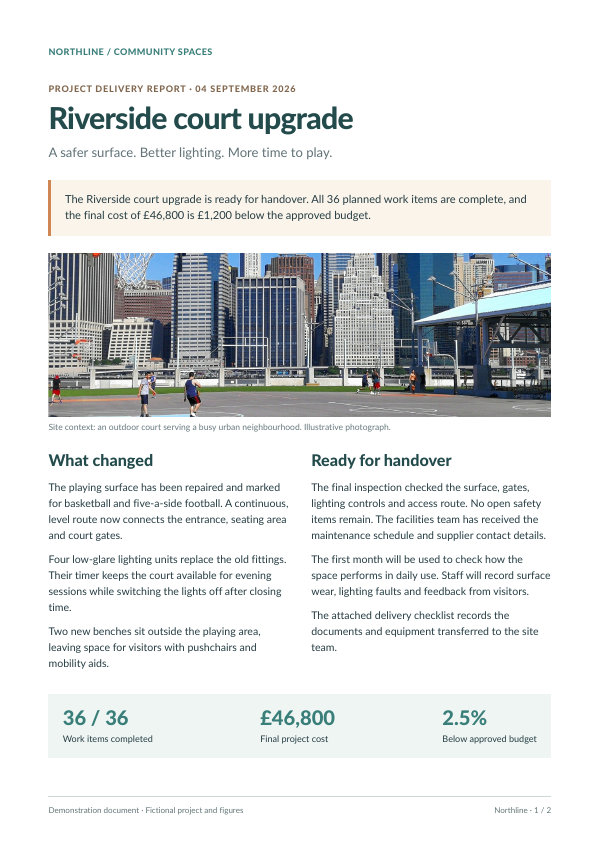
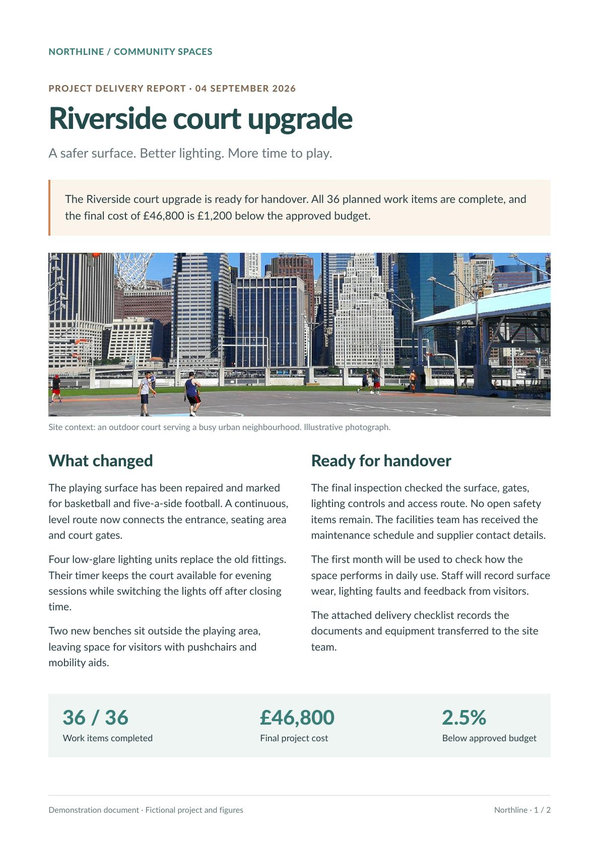
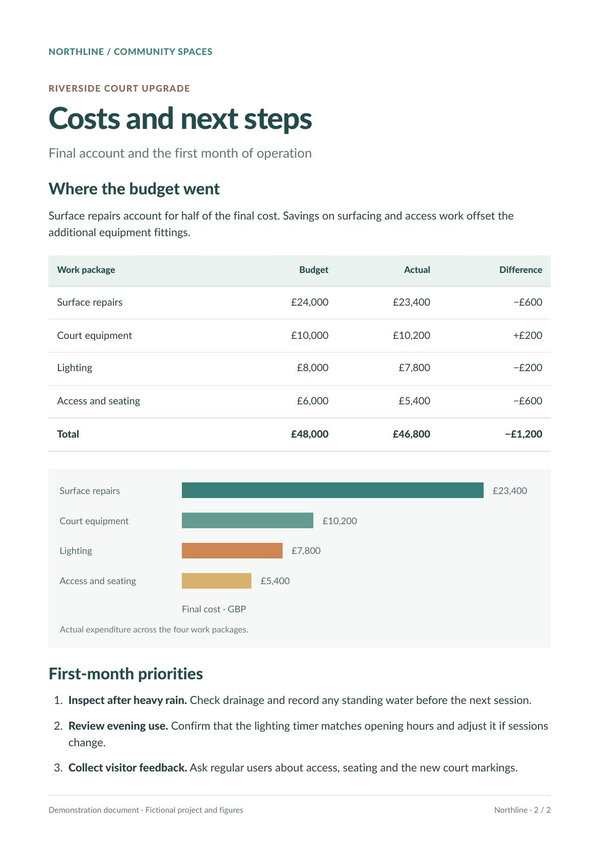
Turn PDF pages into PNG, JPG, or WebP images for document previews and thumbnails.
PDF pages flow through the PDF to Image API and return as images.
Render the first page of a local PDF and save it as a PNG image.
curl --fail --user "demo:demo" \
  --form "input_format=pdf" \
  --form "output_format=png" \
  --form "print_page_range=1" \
  --form "file=@input.pdf" \
  --output "page.png" \
  https://api.pdfcrowd.com/convert/24.04/
import pdfcrowd

api = pdfcrowd.PdfToImageClient("demo", "demo")
api.setOutputFormat("png")
api.setPrintPageRange("1")
api.convertFileToFile("input.pdf", "page.png")
<?php
require "pdfcrowd.php";

$api = new \Pdfcrowd\PdfToImageClient("demo", "demo");
$api->setOutputFormat("png");
$api->setPrintPageRange("1");
$api->convertFileToFile("input.pdf", "page.png");
var pdfcrowd = require("pdfcrowd");
var api = new pdfcrowd.PdfToImageClient("demo", "demo");
api.setOutputFormat("png");
api.setPrintPageRange("1");
api.convertFileToFile("input.pdf", "page.png",
    function(error, fileName) {
        if (error) return console.error(error);
        console.log("Created " + fileName);
    });
import com.pdfcrowd.*;

Pdfcrowd.PdfToImageClient api =
    new Pdfcrowd.PdfToImageClient("demo", "demo");
api.setOutputFormat("png");
api.setPrintPageRange("1");
api.convertFileToFile("input.pdf", "page.png");
pdfcrowd.PdfToImageClient api =
    new pdfcrowd.PdfToImageClient("demo", "demo");
api.setOutputFormat("png");
api.setPrintPageRange("1");
api.convertFileToFile("input.pdf", "page.png");
require "pdfcrowd"

api = Pdfcrowd::PdfToImageClient.new("demo", "demo")
api.setOutputFormat("png")
api.setPrintPageRange("1")
api.convertFileToFile("input.pdf", "page.png")
package main

import "github.com/pdfcrowd/pdfcrowd-go"

func main() {
    api := pdfcrowd.NewPdfToImageClient("demo", "demo")
    api.SetOutputFormat("png")
    api.SetPrintPageRange("1")
    err := api.ConvertFileToFile("input.pdf", "page.png")
    if err != nil {
        panic(err)
    }
}
Upload a PDF, send its binary data, or provide its URL. Select the pages and output format. A single rendered page returns an image; multiple pages return a ZIP containing the page images.
PDFCrowd handles PDF rendering on its servers, so your application can generate previews without installing a local PDF-to-image toolchain. Choose the resolution and crop area for the way the images will be displayed.
Render selected pages or ranges from the document.
Choose the format, raster resolution in DPI, and grayscale output.
Use the PDF crop box or a specified area; request ZIP output even for a single image when consistent packaging helps.
Create images from HTML or webpage URLs.
Display PDF pages as fixed-layout HTML.
Extract the PDF's text layer for further processing.
Convert, resize, or crop an image you already have.
Try the API with a document from your application.