Selection
Extract selected pages or a defined area of a page.
Extract text from text-based PDFs for search, indexing, and analysis in your application.
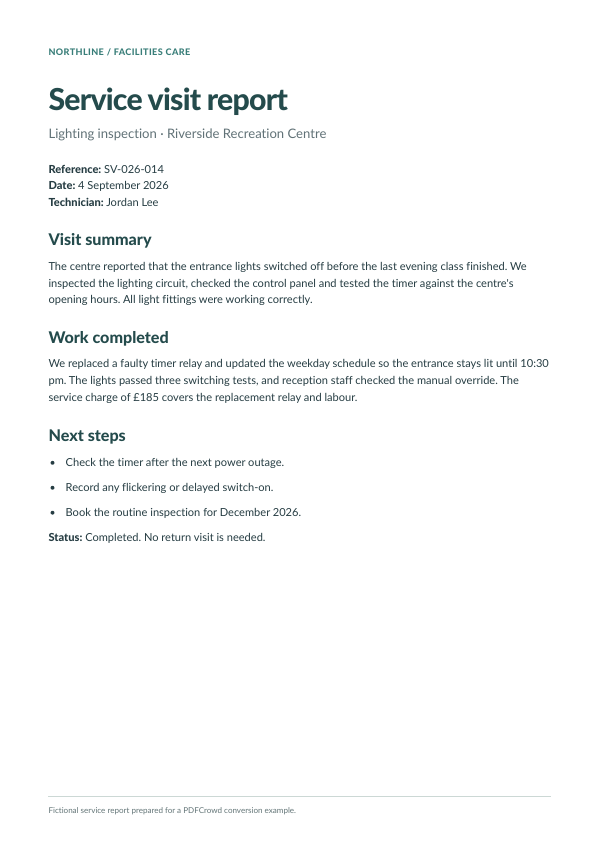
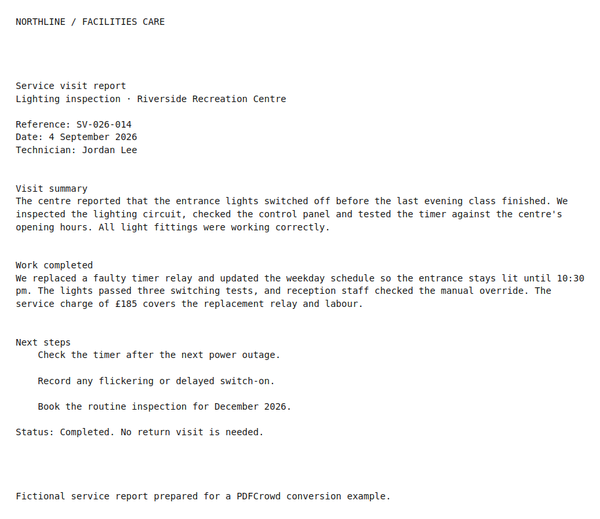
A PDF flows through the PDF to Text API and returns as extracted text.
Extract text from a local PDF and save it as a TXT file.
curl --fail --user "demo:demo" \
  --form "input_format=pdf" \
  --form "output_format=txt" \
  --form "file=@input.pdf" \
  --output "document.txt" \
  https://api.pdfcrowd.com/convert/24.04/
import pdfcrowd

api = pdfcrowd.PdfToTextClient("demo", "demo")
api.convertFileToFile("input.pdf", "document.txt")
<?php
require "pdfcrowd.php";

$api = new \Pdfcrowd\PdfToTextClient("demo", "demo");
$api->convertFileToFile("input.pdf", "document.txt");
var pdfcrowd = require("pdfcrowd");
var api = new pdfcrowd.PdfToTextClient("demo", "demo");
api.convertFileToFile("input.pdf", "document.txt",
    function(error, fileName) {
        if (error) return console.error(error);
        console.log("Created " + fileName);
    });
import com.pdfcrowd.*;

Pdfcrowd.PdfToTextClient api =
    new Pdfcrowd.PdfToTextClient("demo", "demo");
api.convertFileToFile("input.pdf", "document.txt");
pdfcrowd.PdfToTextClient api =
    new pdfcrowd.PdfToTextClient("demo", "demo");
api.convertFileToFile("input.pdf", "document.txt");
require "pdfcrowd"

api = Pdfcrowd::PdfToTextClient.new("demo", "demo")
api.convertFileToFile("input.pdf", "document.txt")
package main

import "github.com/pdfcrowd/pdfcrowd-go"

func main() {
    api := pdfcrowd.NewPdfToTextClient("demo", "demo")
    err := api.ConvertFileToFile("input.pdf", "document.txt")
    if err != nil {
        panic(err)
    }
}
Upload a text-based PDF, send its binary data, or provide its URL. The API reads the PDF's text layer and returns a TXT file. Extract the whole document or select the pages your application needs.
PDFCrowd runs the text extraction, so your application can receive the text without installing a local PDF parser. Choose layout-preserving or reading-order output to suit the next processing step.
Extract selected pages or a defined area of a page.
Choose layout-preserving or reading-order output and configure page breaks and line endings.
Use paragraph detection and options for hyphens and empty lines.
Display PDF pages as fixed-layout HTML with text and images.
Create page images for document previews.
Extract selected pages into another PDF or merge existing documents.
Try the API with a document your application needs to process.