Product specification
Compact desk
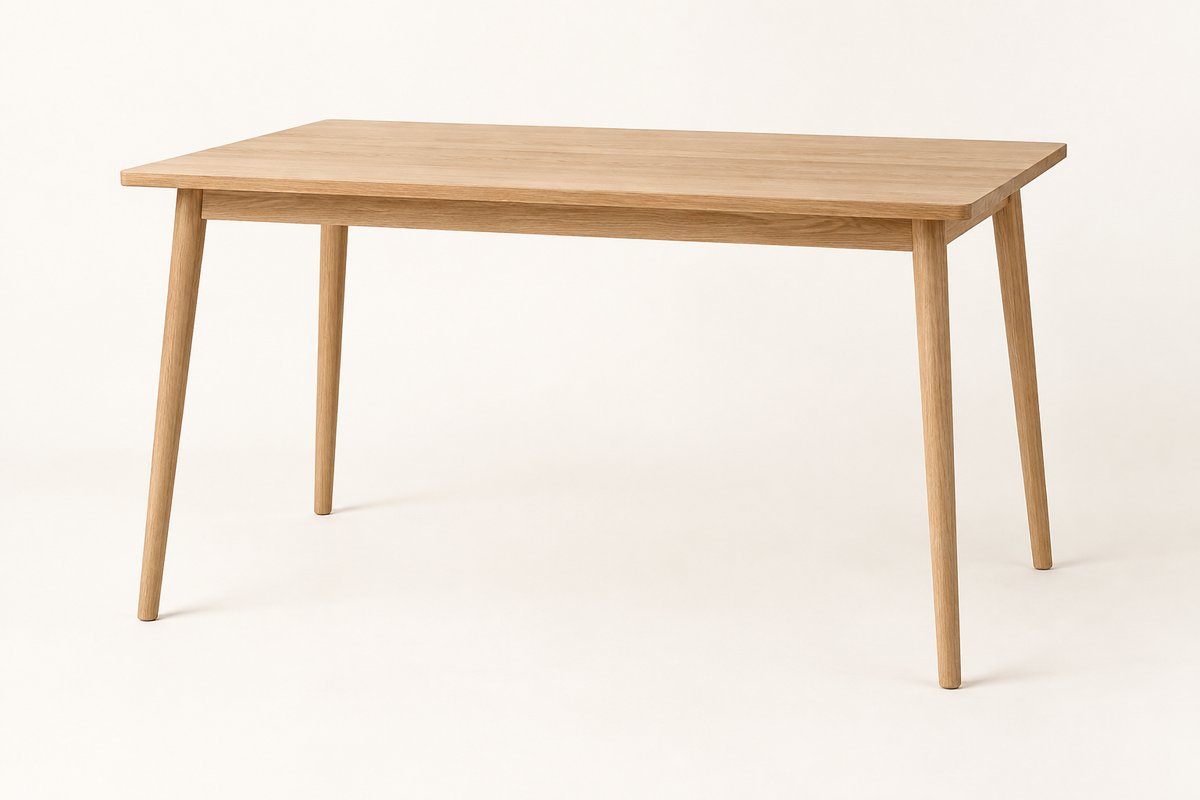
- Dimensions
- 120 × 60 × 74 cm (W × D × H)
- Finish
- Natural oak
- Accessories
- None selected
- Project
- Home office
Let visitors download your webpage or any part of it as a PDF that preserves its layout and styling.
Try saving an editable sample, a whole page, or a selected section as a PDF.
Interactive sample
Choose a model and adjust the details. Your changes appear in the preview and PDF.
Content to save
Compact desk
Download a PDF version of this product page.
Download just the top section of this page.
WebSave can convert a public webpage using its URL. For pages behind a login, WebSave can create a PDF from the page content already loaded in the visitor’s browser. It also works with completed forms and edited previews. You can prepare a version containing just the content visitors need to save. See URL and content modes.
Connect your download button with a small JavaScript snippet and choose the PDF settings. Our servers handle the conversion, so you don’t need to install or maintain a PDF renderer on your own server.
Choose page size, orientation and margins for the document your visitors download.
Use print CSS or custom styles for page breaks and a cleaner document.
Add headers, footers and page numbers, and choose the download filename.
Explore the WebSave PDF options.
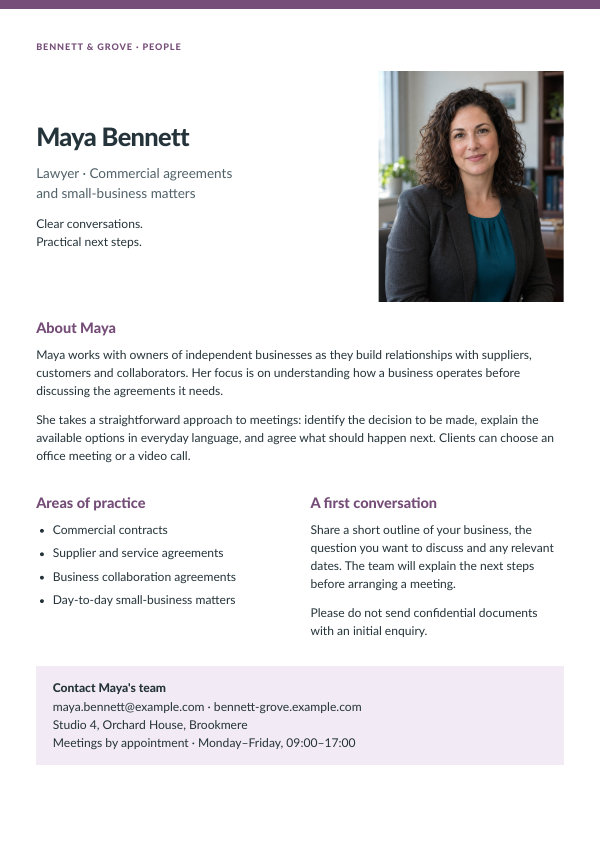
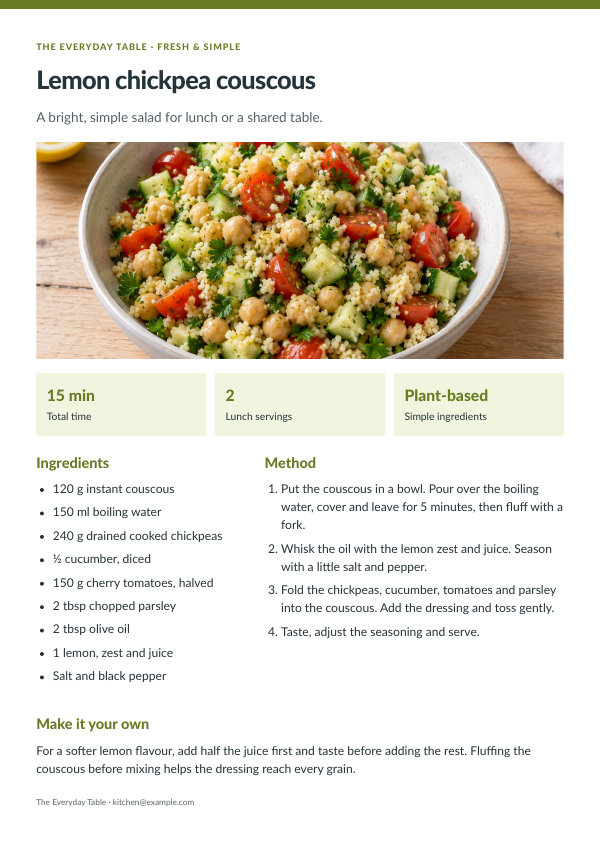
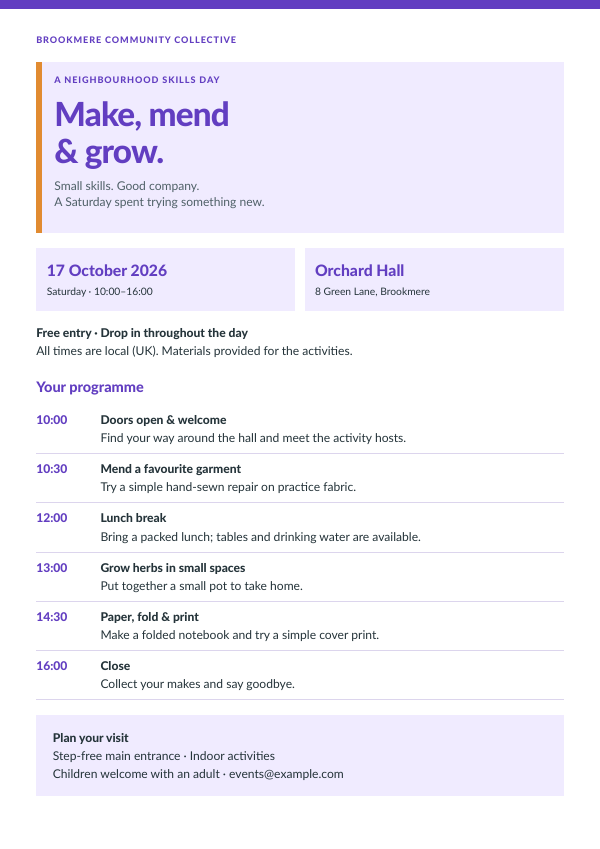
Articles, listings, profiles, recipes and event programmes can become useful downloads—along with job listings, prepared forms and reports.
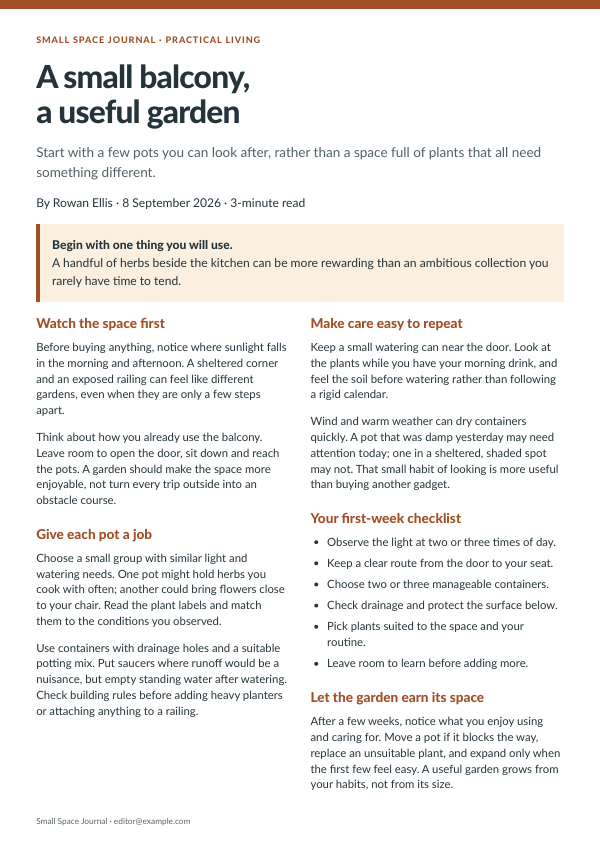 View example PDF
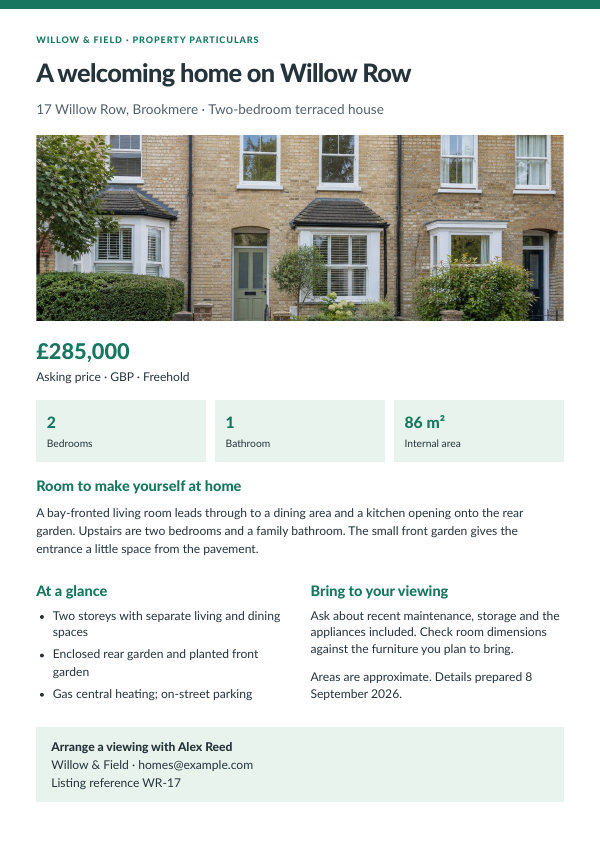 View example PDF
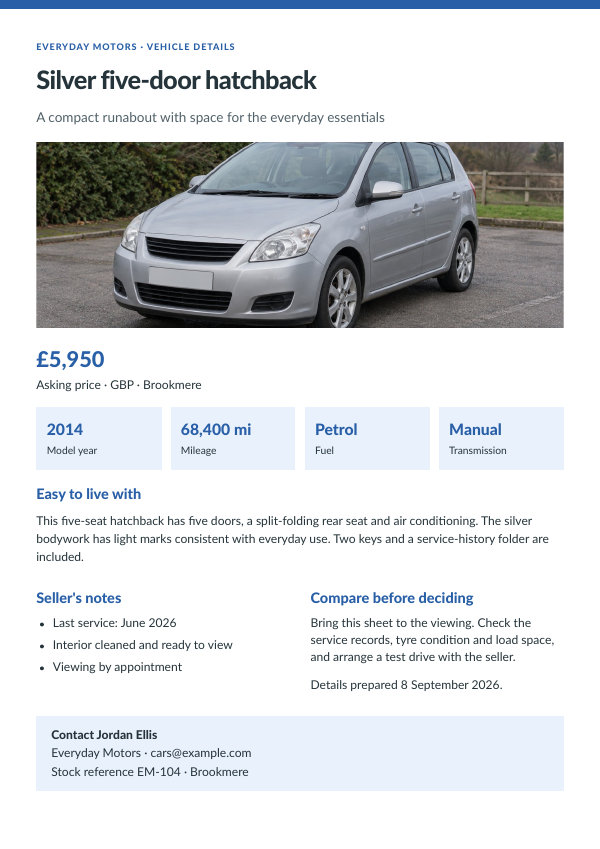 View example PDF
 View example PDF
 View example PDF
 View example PDF
Add the button through WordPress settings.
Create PDFs when your backend needs them, for example for scheduled reports or email attachments.
Let visitors download an image instead of a PDF.
Open the WebSave as PDF documentation for starter code and key setup, or start a free trial to test your own pages.
PDFCrowd processes the submitted page content on its servers.