Image preparation
Resize, rotate, crop, or remove a solid-color border.
Turn an image into a PDF with the page size, margins, and positioning your application needs.
An image flows through the Image to PDF API and returns as a PDF document.
Convert a local JPG image and save it as a PDF.
curl --fail --user "demo:demo" \
  --form "input_format=image" \
  --form "output_format=pdf" \
  --form "file=@image.jpg" \
  --output "document.pdf" \
  https://api.pdfcrowd.com/convert/24.04/
import pdfcrowd

api = pdfcrowd.ImageToPdfClient("demo", "demo")
api.convertFileToFile("image.jpg", "document.pdf")
<?php
require "pdfcrowd.php";

$api = new \Pdfcrowd\ImageToPdfClient("demo", "demo");
$api->convertFileToFile("image.jpg", "document.pdf");
var pdfcrowd = require("pdfcrowd");
var api = new pdfcrowd.ImageToPdfClient("demo", "demo");
api.convertFileToFile("image.jpg", "document.pdf",
    function(error, fileName) {
        if (error) return console.error(error);
        console.log("Created " + fileName);
    });
import com.pdfcrowd.*;

Pdfcrowd.ImageToPdfClient api =
    new Pdfcrowd.ImageToPdfClient("demo", "demo");
api.convertFileToFile("image.jpg", "document.pdf");
pdfcrowd.ImageToPdfClient api =
    new pdfcrowd.ImageToPdfClient("demo", "demo");
api.convertFileToFile("image.jpg", "document.pdf");
require "pdfcrowd"

api = Pdfcrowd::ImageToPdfClient.new("demo", "demo")
api.convertFileToFile("image.jpg", "document.pdf")
package main

import "github.com/pdfcrowd/pdfcrowd-go"

func main() {
    api := pdfcrowd.NewImageToPdfClient("demo", "demo")
    err := api.ConvertFileToFile("image.jpg", "document.pdf")
    if err != nil {
        panic(err)
    }
}
Upload an image, send its binary data, or provide its URL. PDFCrowd recognizes the input format and places the image on a PDF page. Choose a standard page size or set dimensions and margins to suit the document.
PDFCrowd handles the image conversion and PDF creation, so your application can produce the file without installing local image and PDF tools. Control how the image is scaled, cropped, and positioned on the page.
Resize, rotate, crop, or remove a solid-color border.
Choose the page size, orientation, margins, background, image position, and fit or stretch behavior.
Add watermarks, set metadata, and configure password protection and permissions.
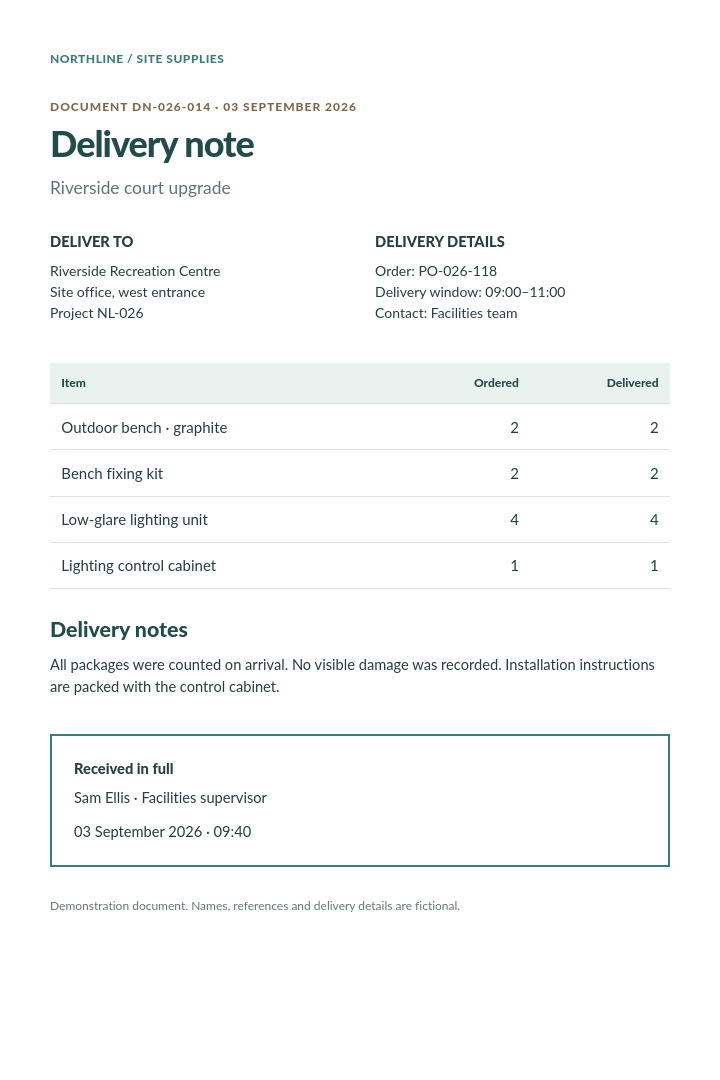
Compose a PDF with text, images, and layout defined in HTML and CSS.
Merge existing PDF documents or extract selected pages.
Convert or resize an image while keeping image output.
Convert an image manually in the browser.
Try the API with an image from your application.